

Table of Contents
If you have heard the term IPTV while shopping for a television, comparing streaming services, or troubleshooting a live channel, you may wonder what it actually means. IPTV stands for Internet Protocol Television. In simple terms, it describes television delivered over an IP network instead of reaching your screen solely through an aerial, satellite dish, or traditional cable signal. The underlying idea is straightforward, but the services and technologies that use it can differ considerably.
Understanding the basics helps you separate technology from marketing, identify compatible devices, and make informed decisions about legitimate content providers. This guide covers how IPTV works, common types of viewing, the equipment involved, and the practical checks that matter before subscribing.
How does IPTV deliver television?
A television service starts with content that its operator is authorized to distribute. That content is encoded into digital video, organized for delivery, and transmitted through a network. Your app or set-top box requests the channel or program; the network delivers video data; and the device decodes it for display. The delivery may use managed infrastructure operated by a telecommunications company or ordinary internet connections, depending on the service architecture.
Unlike traditional broadcasting, where the same signal is sent through a broadcast system regardless of who is watching, IP delivery supports individual requests, account-based access, interactive guides, and on-demand playback. Not every IPTV product supports every feature. A channel list alone does not guarantee recording, replay, subtitles, or a reliable program guide.
Live channels, catch-up TV, and video on demand
Three viewing experiences often appear under the IPTV umbrella. Live TV follows a scheduled channel feed, much like conventional television. Catch-up TV lets viewers revisit programs that aired recently when the content owner and provider permit it. Video on demand (VOD) offers a catalog of programs you can start at a chosen time. Some services combine all three; others specialize in one format.
These differences affect how you choose a subscription. A sports viewer may care most about live-event latency and stable picture quality. A family may prioritize parental controls and on-demand libraries. Someone who watches news might value a reliable electronic program guide and simple channel navigation. List your needs before comparing offers.
What equipment do you need?
Most people need a capable screen, a supported playback device or app, a stable network, and access to a legitimate service. Compatible devices can include smart TVs, Android TV or Google TV streamers, Fire TV devices, Apple TV, tablets, phones, and computers. Support depends on the provider and the application, not simply on whether a device connects to the internet.
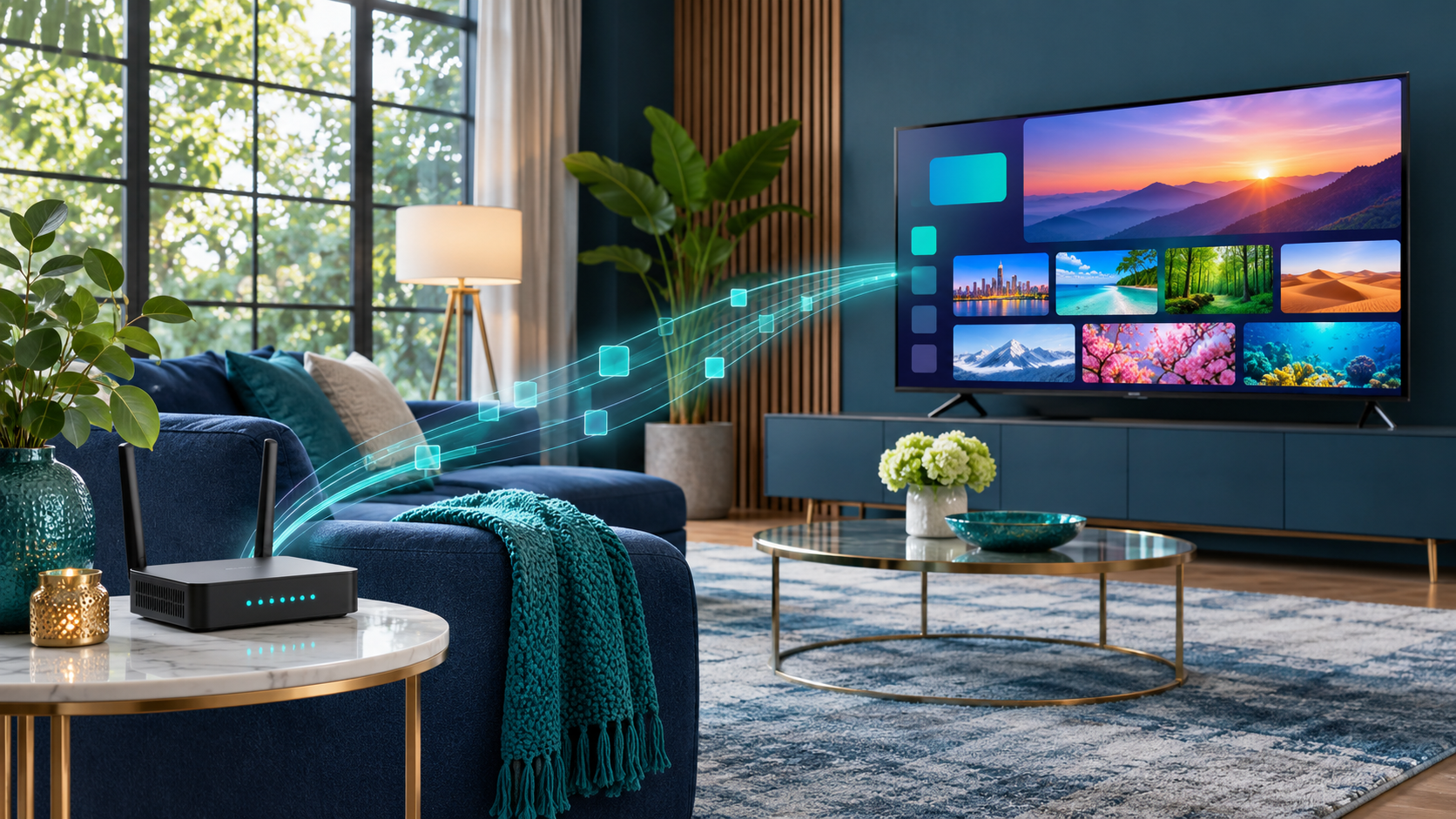
Connection quality matters as much as hardware. Ethernet usually provides a consistent path on stationary equipment, while strong 5 GHz or 6 GHz Wi-Fi can work well when the router is nearby. Older televisions may benefit from a modern streaming box rather than relying on an outdated built-in app. Check the provider’s documented requirements before buying accessories.
How is IPTV different from cable and popular streaming apps?
Traditional cable and satellite primarily describe delivery infrastructures. IPTV describes IP-based delivery. Meanwhile, the phrase OTT streaming usually refers to video services delivered over the public internet without the network operator controlling the entire path. In everyday use, people sometimes call any internet TV application IPTV; technically, the distinctions can be more specific.
From the viewer’s perspective, the biggest differences tend to be channel access, contracts, supported screens, regional rights, interface quality, and the reliability of the provider’s infrastructure. A familiar application layout is not evidence that a service is officially licensed. Review the source of programming rather than assuming that technical compatibility establishes distribution rights.
How can you evaluate a legitimate IPTV service?
Before sharing payment information, verify the company’s identity and customer support details. Look for clear subscription terms, transparent billing, an understandable refund policy, and official device instructions. The provider should explain which channels, regions, and features are included without relying on impossible promises such as every premium network worldwide for a negligible fee.
Pay attention to rights and location restrictions. A legal offering in one country may not have the rights to distribute the same programming elsewhere. Use approved apps and official download sources, and be skeptical of anyone asking you to bypass device protections or install unfamiliar software simply to access channels.
A realistic first-time IPTV decision
Imagine a household that mostly watches evening news, weekend football, and a few children’s programs. The family already owns a recent smart TV and pays for a stable internet connection. Rather than buying a mystery box advertised with thousands of channels, they identify their must-have stations, compare licensed providers in their country, and check whether each offers an official TV application. They then examine simultaneous-screen limits, subtitles, guide accuracy, and cancellation terms. This approach can reveal that a smaller, transparent package fits them better than a much larger catalog whose availability is unclear.
For another household, the important feature might be accessible navigation for an older viewer. That family may prioritize a simple remote, readable program guide, and responsive customer support over advanced technical settings. IPTV technology permits both scenarios, but it does not decide which service is right on its own.
Common misunderstandings worth avoiding
The term IPTV does not imply one standardized app, one price, or one worldwide set of channels. Nor does connecting a television to the internet automatically provide access to subscription content. ‘Works on all devices’ is an advertising claim that needs checking against actual operating systems. Finally, a smooth demonstration video is not evidence of licensed programming, reliable evening performance, or helpful after-sales support. Evaluate technology, content rights, and service quality as separate questions. Doing so keeps the decision grounded in your needs instead of the size of a marketing promise.
Common IPTV questions
Does IPTV require a smart TV?
No. A television connected to a supported streaming device can work even if the television itself has no smart features. Phones, tablets, and computers may also be supported.
Is IPTV always legal?
IPTV is a delivery technology, not a legal category. Legality depends on whether the service and its distributors have the necessary rights to provide the content in your location.
Does IPTV use a lot of data?
Video can consume substantial data, especially at high resolution. Actual usage depends on bitrate, picture quality, how long you watch, and the service’s encoding settings.
Final takeaway
IPTV is simply a way to deliver television using internet protocols. The best experience comes from pairing a properly licensed provider with compatible equipment, a dependable connection, and features that fit how you watch. Once these fundamentals are clear, choosing a service becomes much easier than chasing a long channel list.